Read it from the stand.
A song view built for the stage: clean, big, and nothing else on screen. Chords and lyrics, lyrics and cues, or just the running order, whichever way you read.
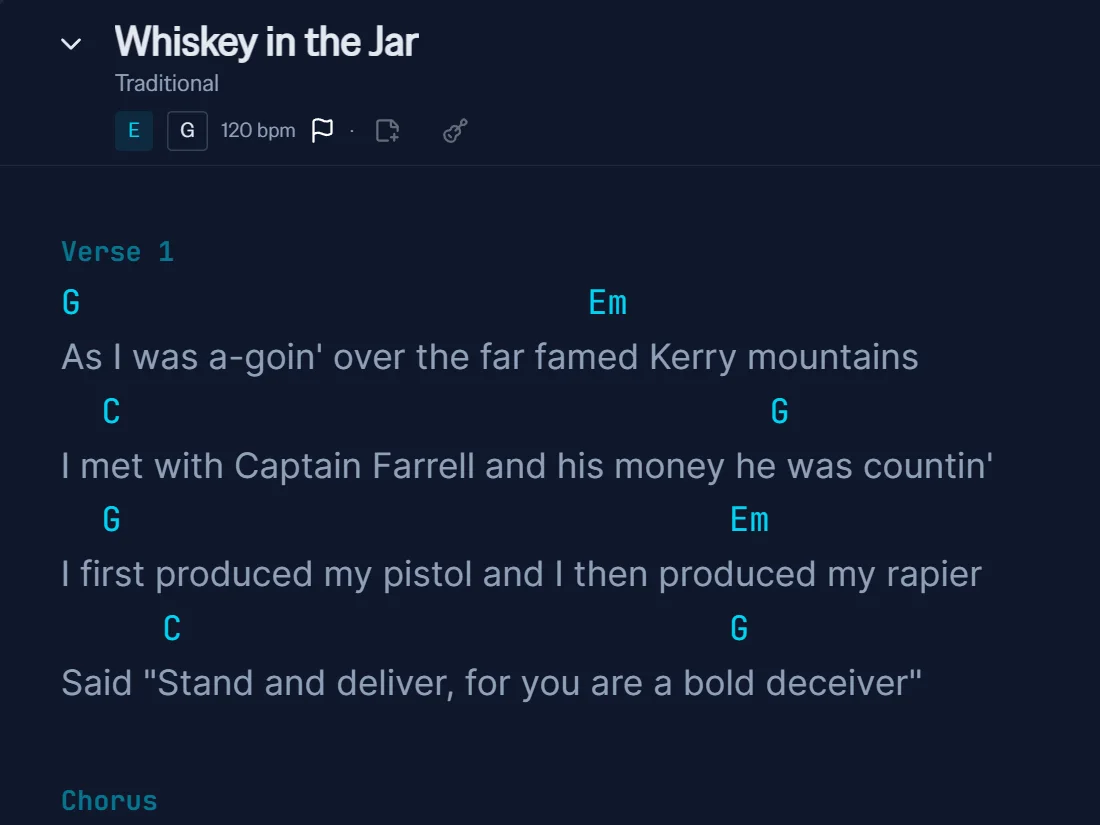
Big type. Dark stage. Nothing else.
However you read a song.
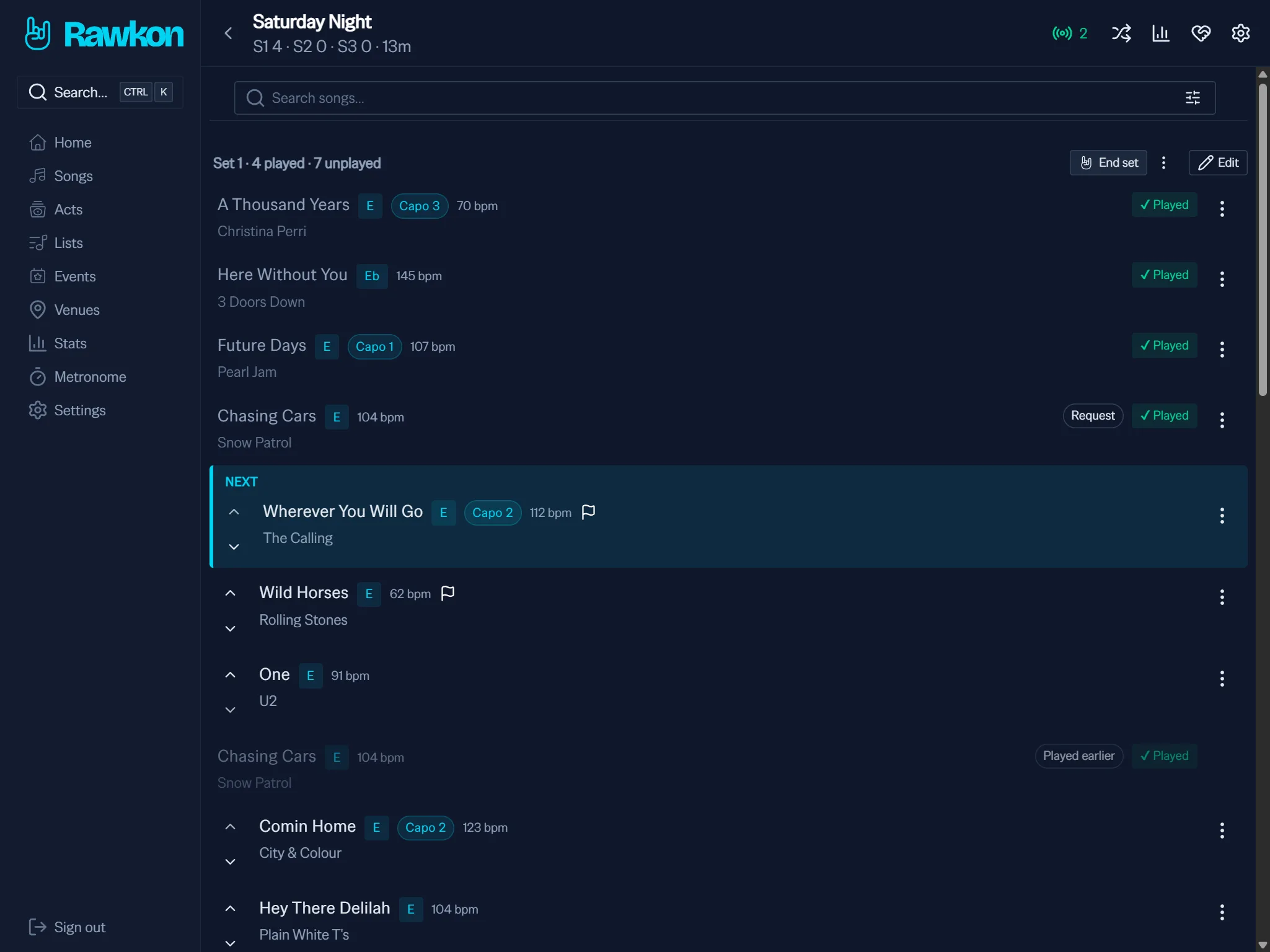
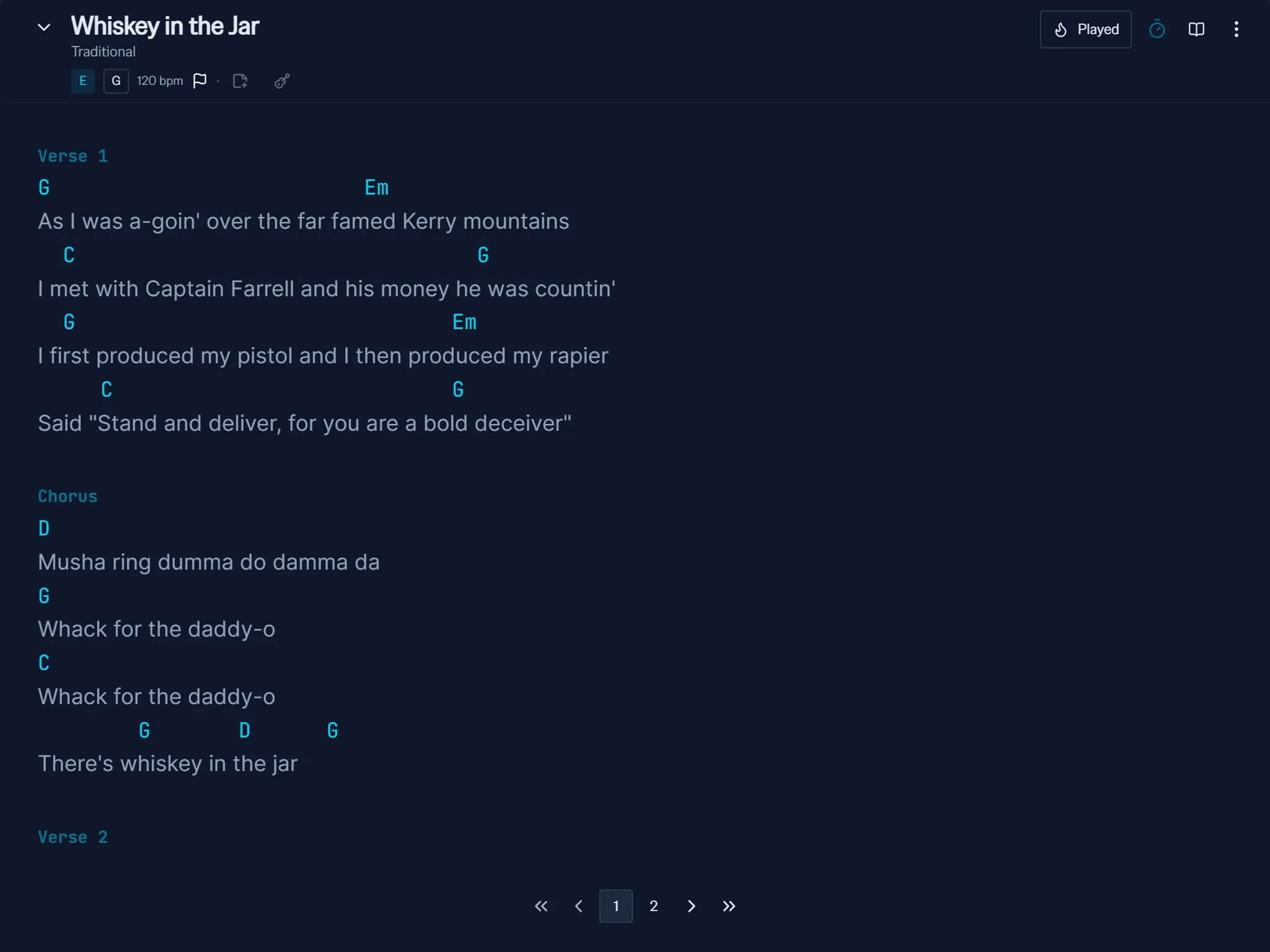
Solo with a guitar, you want chords over the words. Fronting a band, you want the words and your cues. Some nights you only need to know what's next. Your songs hold whatever you put in them, and the gig view gives you the running order.
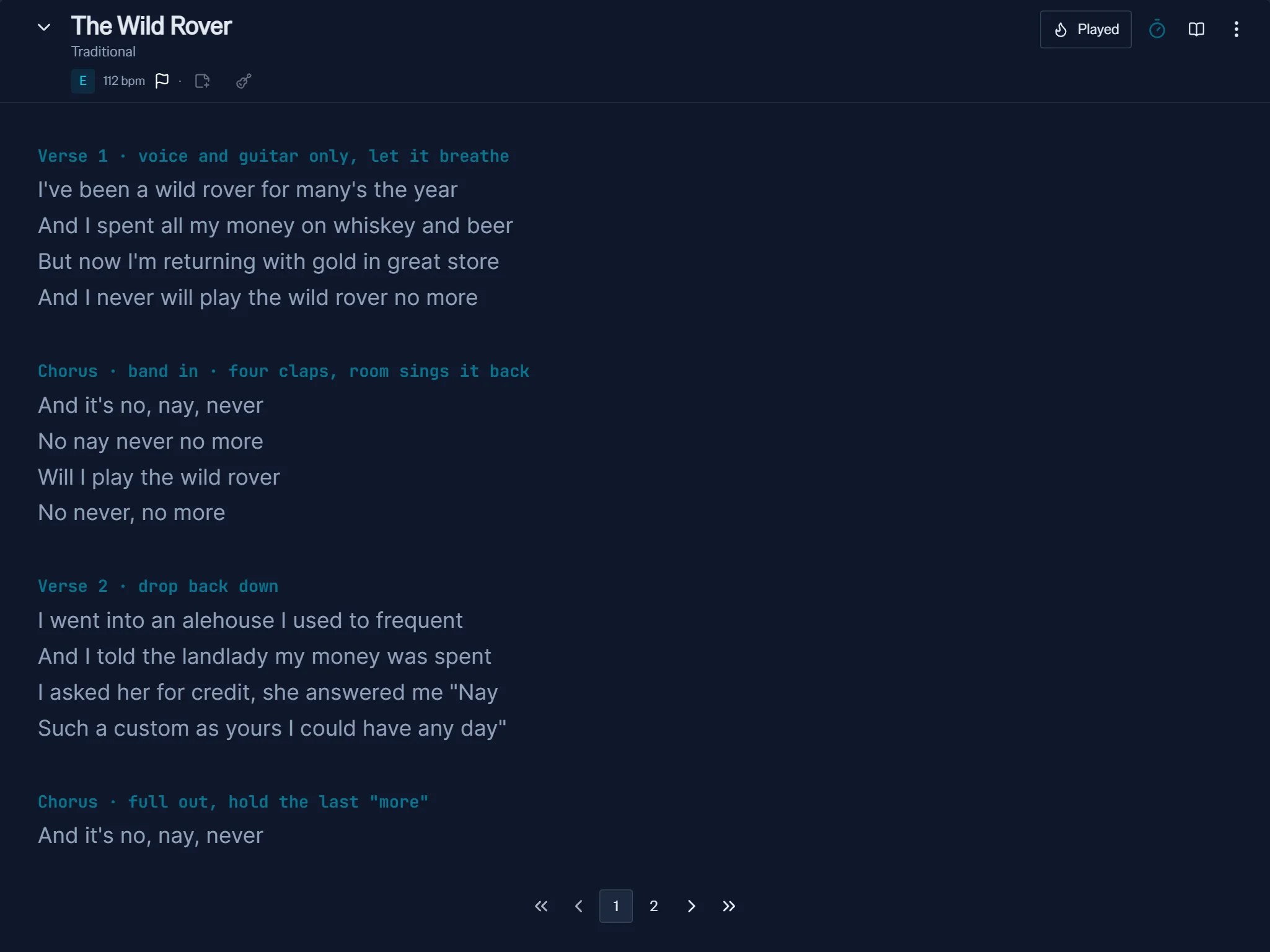
Lyrics and cues
For when someone else has the chords.
Running order
For the songs you know cold.
Chords over lyrics
For when you're playing and singing.
Your songs, your way.
Set every song up the way you read it, and keep every way you play it. Get it right once at home and it looks the same on the stand.
- Type you can readFont, size and line spacing for lyrics, chords and cues, each set on its own, big enough for arm's length.
- Colours for your stageChords in one colour, cues in another, on whatever background you read best under the lights you play under.
- Cues that catch your eyeMark vocal emphasis, dynamics and cues right in the song, styled so they stand out mid-verse.
- Every version you playThe acoustic take and the full-band one, side by side, each with its own key, capo, tuning and tempo.
- Scroll or pageScroll or page through, turn pages with a page turner or the keyboard, with a metronome built in.
- There when the signal isn'tSongs and setlists stay on the device, so a dead connection doesn't end your night.